2020–2022 Hyundai Palisade key fob battery
The 2020–2022 Hyundai Palisade key fob takes a CR2032, a 20 × 3.2 mm 3 V lithium cell. This generation has 2 key types, so check which one you have below. Below: how to open it, what to do if it dies, and the manual we checked.
Buy CR2032 batteries CR2032 specs & equivalents
Our pick: Duracell CR2032, 2-pack on Amazon, a name-brand cell in child-resistant packaging.
Tip: change the spare key at the same time. Both cells usually age together.
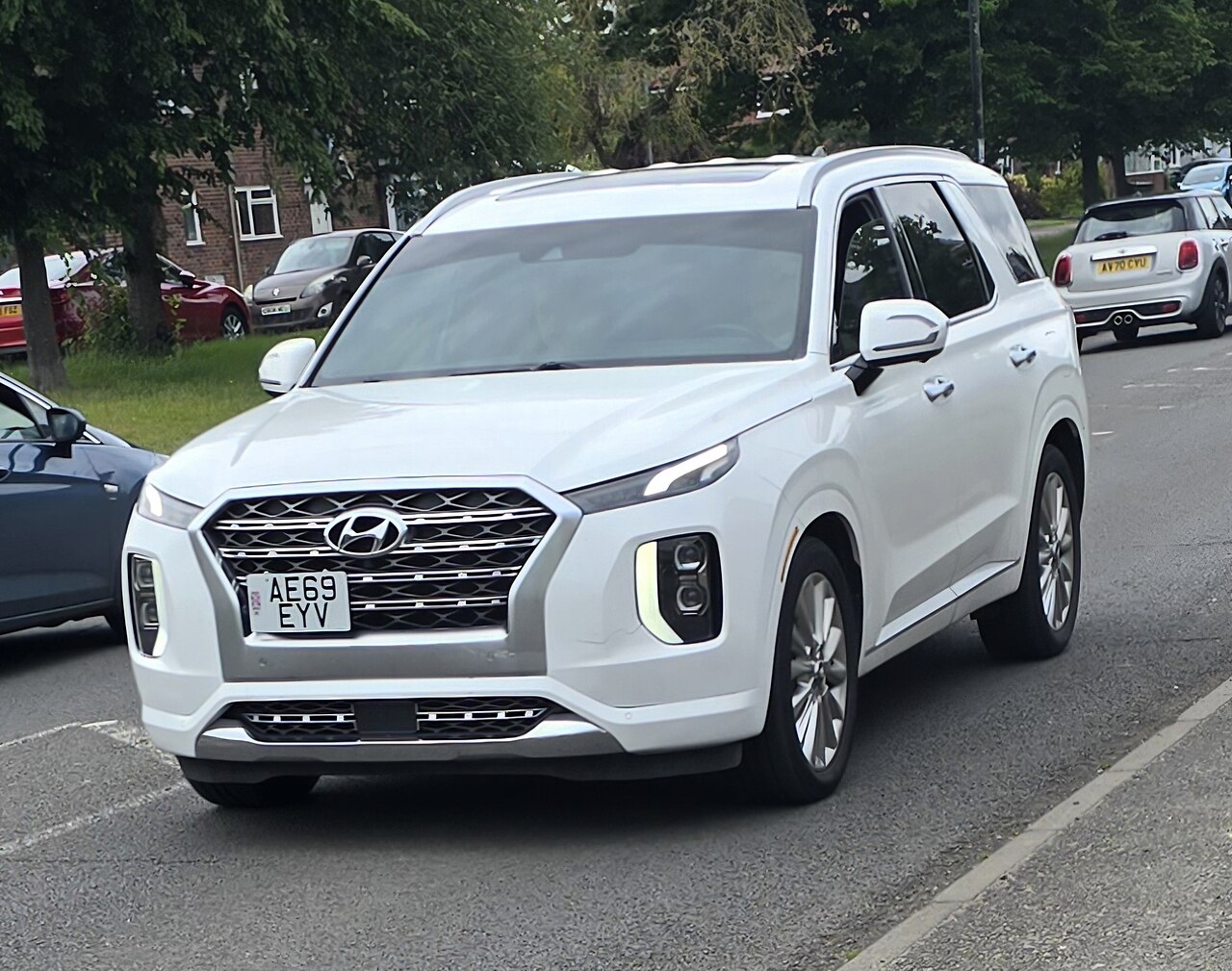
Quick facts
Which key do I have?
| Key type | Version | Battery | Qty |
|---|---|---|---|
| Flip key | Folding remote key (turn-key start) | CR2032 | 1 |
| Smart key (push-button start) | Smart key (push-button start) | CR2032 | 1 |
Confirmed in the 2020, 2021 and 2022 Palisade owner's manuals.
Not sure? Open the fob and read the code printed on the old battery. It is always the safest check.
Before you start
- Get a new CR2032 cell from a fresh pack.
- Work over a table or soft cloth so small parts and buttons don’t get lost.
- Note which way the old battery faces before you take it out.
- Keep loose coin cells away from children and pets. See coin battery safety.
How to replace the 2020–2022 Hyundai Palisade key fob battery (flip key, Folding remote key (turn-key start))
- Push a thin plastic tool into the slot on the remote and gently lift off the outer cover
- Undo the inner battery cover with a small screwdriver
- Swap the old cell for a new CR2032, making sure it faces the same way as the old one
- Refit the battery cover, then the outer cover, and test the buttons
How to replace the 2020–2022 Hyundai Palisade key fob battery (smart key, Smart key (push-button start))
- Slide the mechanical key out of the smart key
- Work a thin plastic tool into the seam and gently pry the back cover off
- Swap the old cell for a new CR2032, making sure it sits the same way round as the old one
- Clip the back cover on again, refit the mechanical key and test the buttons
Confirmed in the 2020, 2021 and 2022 Palisade owner's manuals; smart key and folding remote key both use CR2032.
After you change the battery
- Press lock and unlock from a few metres away. The car should react on the first press.
- On push-button start cars, start the engine once with the fob in your pocket.
- If nothing happens, re-open the fob and check the battery direction and contacts. More fixes: key fob not working after a battery change.
Starting the car if the fob battery is dead
Keep your foot on the brake and press the Engine Start/Stop button using the smart key itself (positioned as the manual's picture shows); then fit a new cell.
General backup methods: how to get in and start with a dead fob.
About the CR2032 battery
CR2032 is a 20 mm × 3.2 mm, 3 V lithium cell with a typical capacity of about 225 mAh. The same size is sold as DL2032, ECR2032, KCR2032, 5004LC. A CR2012 or CR2016 or CR2025 has the same diameter but is thinner, so it can fit loosely and runs down sooner. Stick with CR2032.
Photos from Hyundai Palisade owners
No owner photos yet for this generation.
Other vehicles that use a CR2032
2024–2025 Hyundai Elantra2021–2023 Hyundai Elantra2022–2023 Hyundai Kona2021–2023 Hyundai Santa Fe2021–2023 Hyundai Sonata2022–2024 Hyundai Tucson2021 Mazda CX-32020–2023 Mazda CX-302021–2025 Mazda CX-52020 Mazda CX-52023–2024 Mazda CX-502021–2023 Mazda CX-9
Questions
What battery does the 2020–2022 Hyundai Palisade key fob use?
Folding remote key (turn-key start): 1 × CR2032 (flip key); Smart key (push-button start): 1 × CR2032 (smart key).
How many batteries does the 2020–2022 Hyundai Palisade key fob need?
Folding remote key (turn-key start): 1; Smart key (push-button start): 1.
Can I use a CR2012 or CR2016 or CR2025 instead of a CR2032?
It has the same 20 mm diameter but is thinner, so it can lose contact and runs down sooner. Use a CR2032.
Which battery names are the same as CR2032?
DL2032, ECR2032, KCR2032, 5004LC are the same size as CR2032.
How do I start the 2020–2022 Hyundai Palisade if the key fob battery is dead?
Keep your foot on the brake and press the Engine Start/Stop button using the smart key itself (positioned as the manual's picture shows); then fit a new cell.
Do I need to reprogram the key after changing the battery?
Most key fobs keep their pairing when the battery is changed. If the fob stops working, check the battery direction and contacts first; our troubleshooting guide covers the rest.
Related guides
Fob not working after a battery change?Signs the fob battery is dyingStarting a car with a dead fobCR2032 vs CR2025 vs CR2016